


 Drawing
Guides
Line, ellipse, right angle, perspective, and image. Guides can be animated using keyframes.
New
Coloring
Clipping mask
Mask a layer or a group.
Updated
Drawing
Brushes
Brushes can now mix colors as you paint, and the tip can rotate following the texture.
Updated
Drawing
Transformation tool
A new warp mode joins affine and perspective, to bend your drawings freely.
Updated
Coloring
Fill tool
New gap and expand settings close small openings in your lines and push the fill under the line art.
Updated
Layer
Transformation layer
Transformation layers can now animate affine, perspective and warp transformations over time.
Updated
Import/Export
Keyboard/Stylus shortcuts
Shortcuts now go beyond the keyboard: assign actions to your pen and mouse buttons too.
Drawing
Guides
Line, ellipse, right angle, perspective, and image. Guides can be animated using keyframes.
New
Coloring
Clipping mask
Mask a layer or a group.
Updated
Drawing
Brushes
Brushes can now mix colors as you paint, and the tip can rotate following the texture.
Updated
Drawing
Transformation tool
A new warp mode joins affine and perspective, to bend your drawings freely.
Updated
Coloring
Fill tool
New gap and expand settings close small openings in your lines and push the fill under the line art.
Updated
Layer
Transformation layer
Transformation layers can now animate affine, perspective and warp transformations over time.
Updated
Import/Export
Keyboard/Stylus shortcuts
Shortcuts now go beyond the keyboard: assign actions to your pen and mouse buttons too.


Onion skin
Opacity and color management, 8 sheets before/after display, linked opacity, onion skin bar, option to disable onion skin while scrubbing.
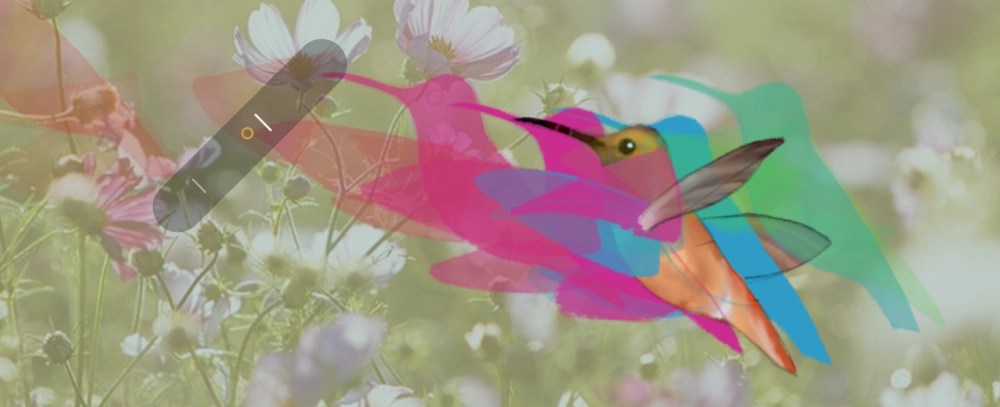
Flip button
Flip target options (frames, sheets, selected sheets, markers), flip style (linear or circular), loop and return to origin options, move the flip button, hide it.


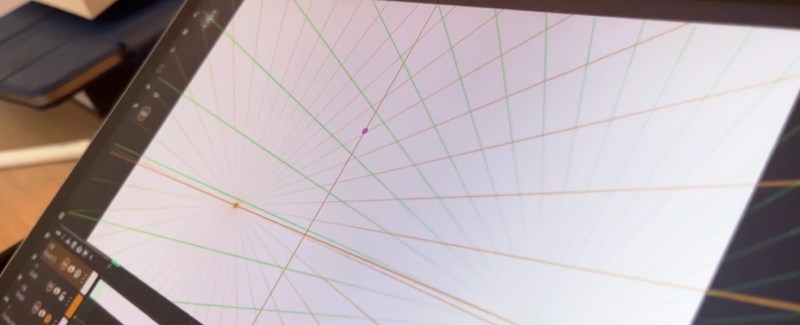
Guides
Line, ellipse, right angle, perspective, and image. Guides can be animated using keyframes.
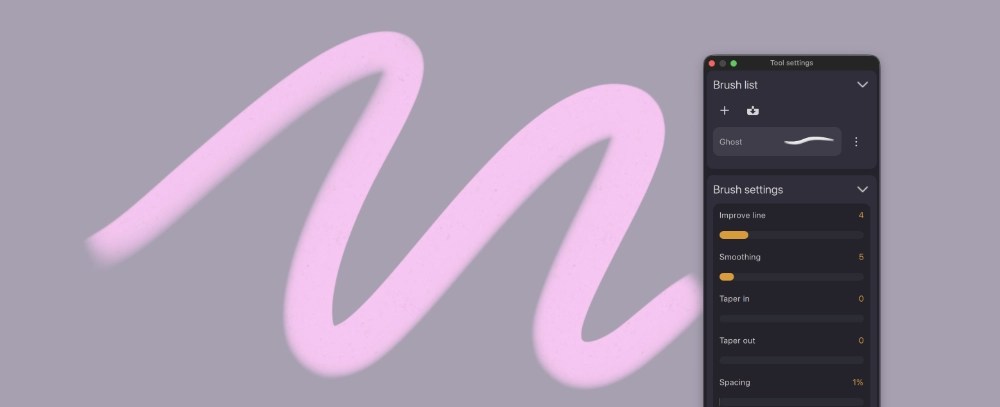
Brushes
Improve line, smoothing, taper in/out, spacing, color mix, dry, pressure controls for size/opacity, tip customization, tip cycle (linear/random), tip rotation style (none/random/texture/stylus azimuth/line angle), texture alpha threshold, antialiasing.

Transformation tool
Lock ratio, horizontal/vertical flip, affine/perspective/warp transformation, quality settings, assist on scale/position.


Clipping mask
Mask a layer or a group.

Fill tool
Fill all visible layers, tolerance, gap and expand adjustements.


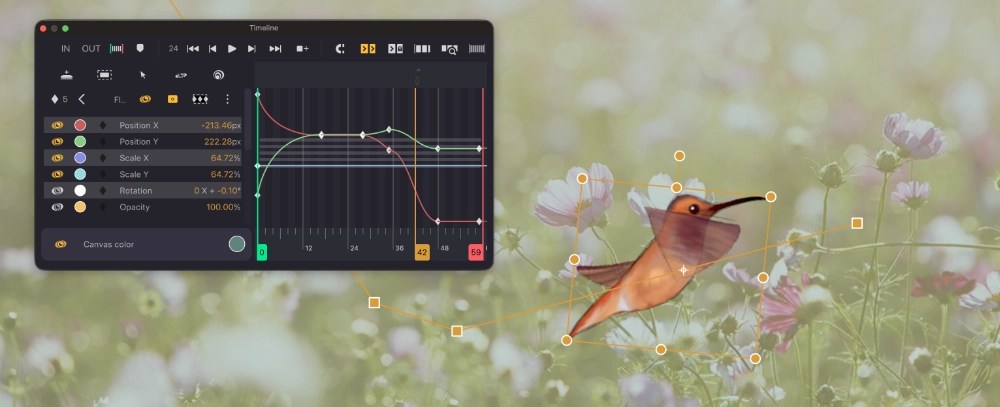
Transformation layer
Curve editor, hierarchy, animate affine/perspective/warp transformations, and convert them into drawings.


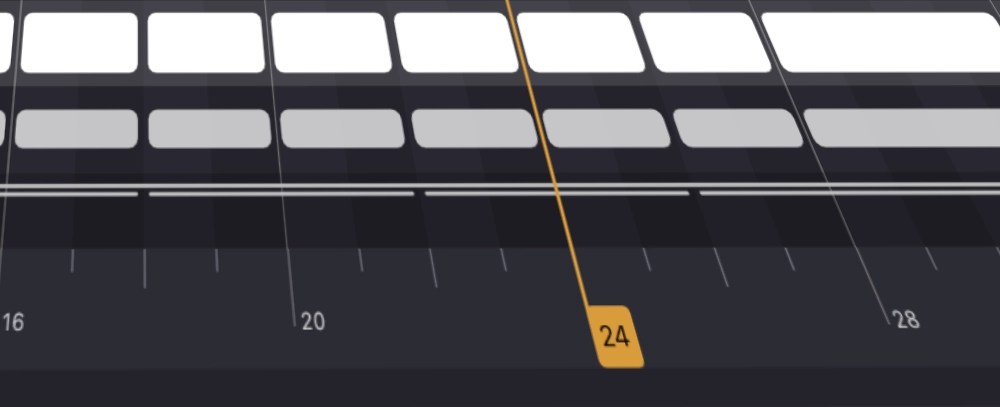
Timeline interface
Magnet tool, push sheet behavior modes, fit timeline options, graduation steps customization, start timeline at 0 or 1, playhead to the right/left.


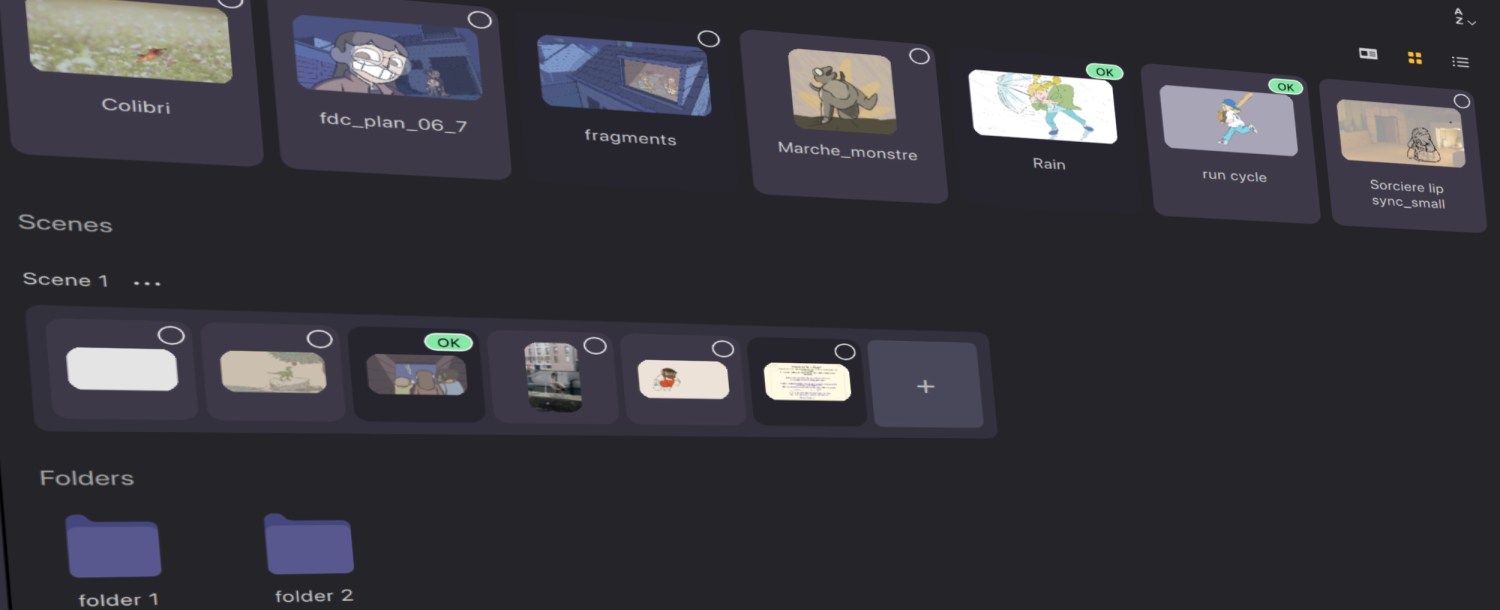
Studio view
Organize shots, group into scenes or folders, create, rename, compress, reorder, assign colors, export multiple shots together.


Keyboard/Stylus shortcuts
Customize, reassign keys or pen/mouse buttons, and search shortcuts.


